


Product code
Product Name (alphabetical)
AAC-3 D
AAC-3 D
Hex Head Bolt M12, L:25mm ( Dacromet )
Unit: Piece
CY D
CY D
Cross-Recessed Screw M6, L:15mm ( Dacromet )
Unit: Piece
CY-1 D
CY-1 D
Cross-Recessed Screw M8, L:20mm ( Dacromet )
Unit: Piece
ADL-2 PG
ADL-2 PG
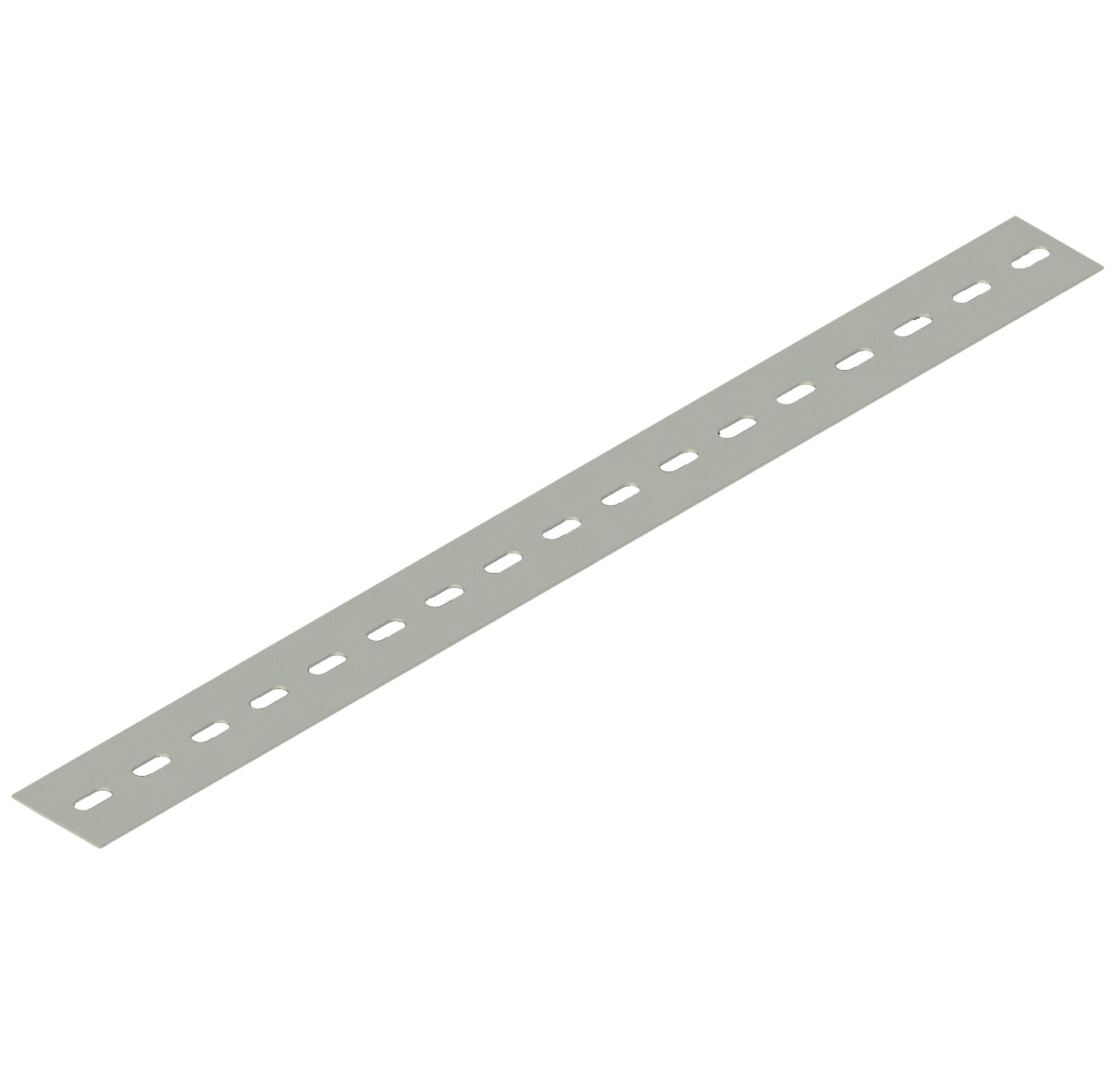
Perforated StripL: 3000 mm · W: 50 mm · T: 1,5 mm · Pre Galvanized
Unit: Piece
ADL-2 HDG
ADL-2 HDG
Perforated StripL: 3000 mm · W: 50 mm · T: 1,5 mm · Hot Dip Galvanized
Unit: Piece
ADL-3 HDG
ADL-3 HDG
Perforated StripL: 3000 mm · W: 80 mm · T: 1,5 mm · Hot Dip Galvanized
Unit: Piece
ADL-3 PG
ADL-3 PG
Perforated StripL: 3000 mm · W: 80 mm · T: 1,5 mm · Pre Galvanized
Unit: Piece
ADL-4 PG
ADL-4 PG
Perforated StripL: 3000 mm · W: 100 mm · T: 1,5 mm · Pre Galvanized
Unit: Piece
ADL-4 HDG
ADL-4 HDG
Perforated StripL: 3000 mm · W: 100 mm · T: 1,5 mm · Hot Dip Galvanized
Unit: Piece
CSD-1
CSD-1
Anchor Bolt M8, L:55mm ( Electro Galvanized )
Unit: Piece
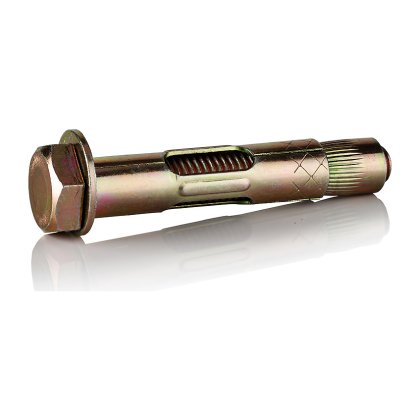
CSD-2
CSD-2
Anchor Bolt M10, L:70mm ( Electro Galvanized )
Unit: Piece
CSD-3
CSD-3
Anchor Bolt M12, L:90mm ( Electro Galvanized )
Unit: Piece
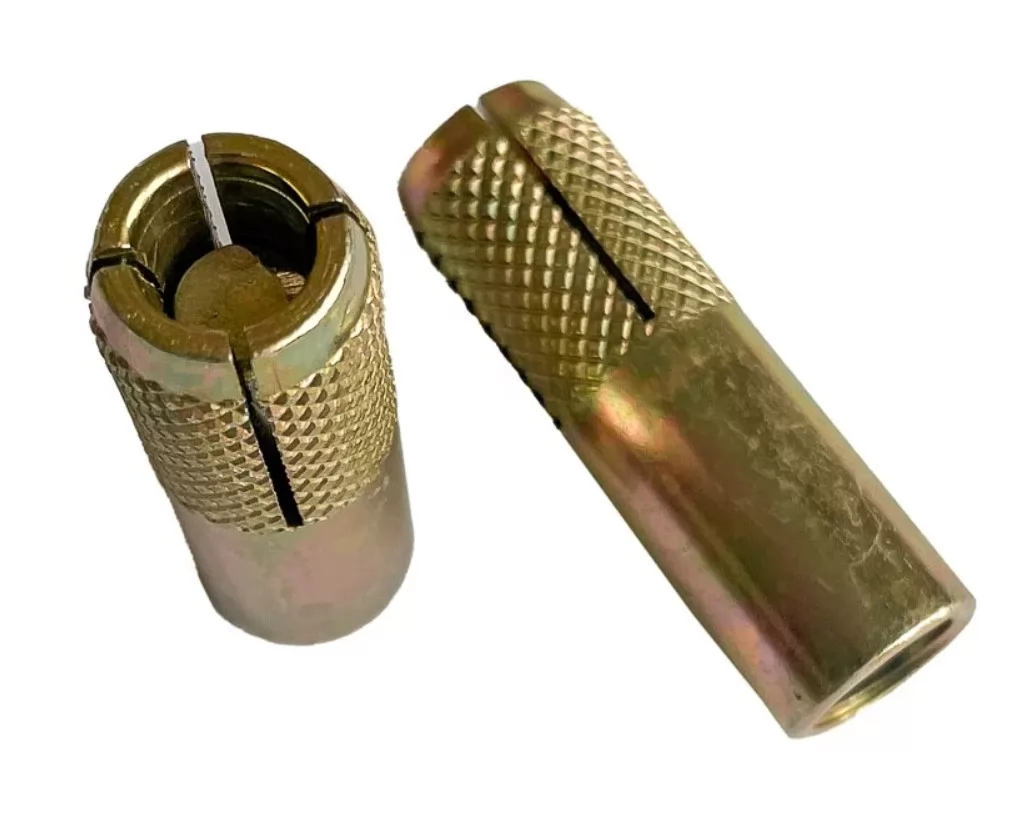
CCD-1
CCD-1
Drop-In Anchor M8,( Electro Galvanized )
Unit: Piece
CCD-2
CCD-2
Drop-In Anchor M10, ( Electro Galvanized )
Unit: Piece
CCD-3
CCD-3
Drop-In Anchor M12, ( Electro Galvanized )
Unit: Piece
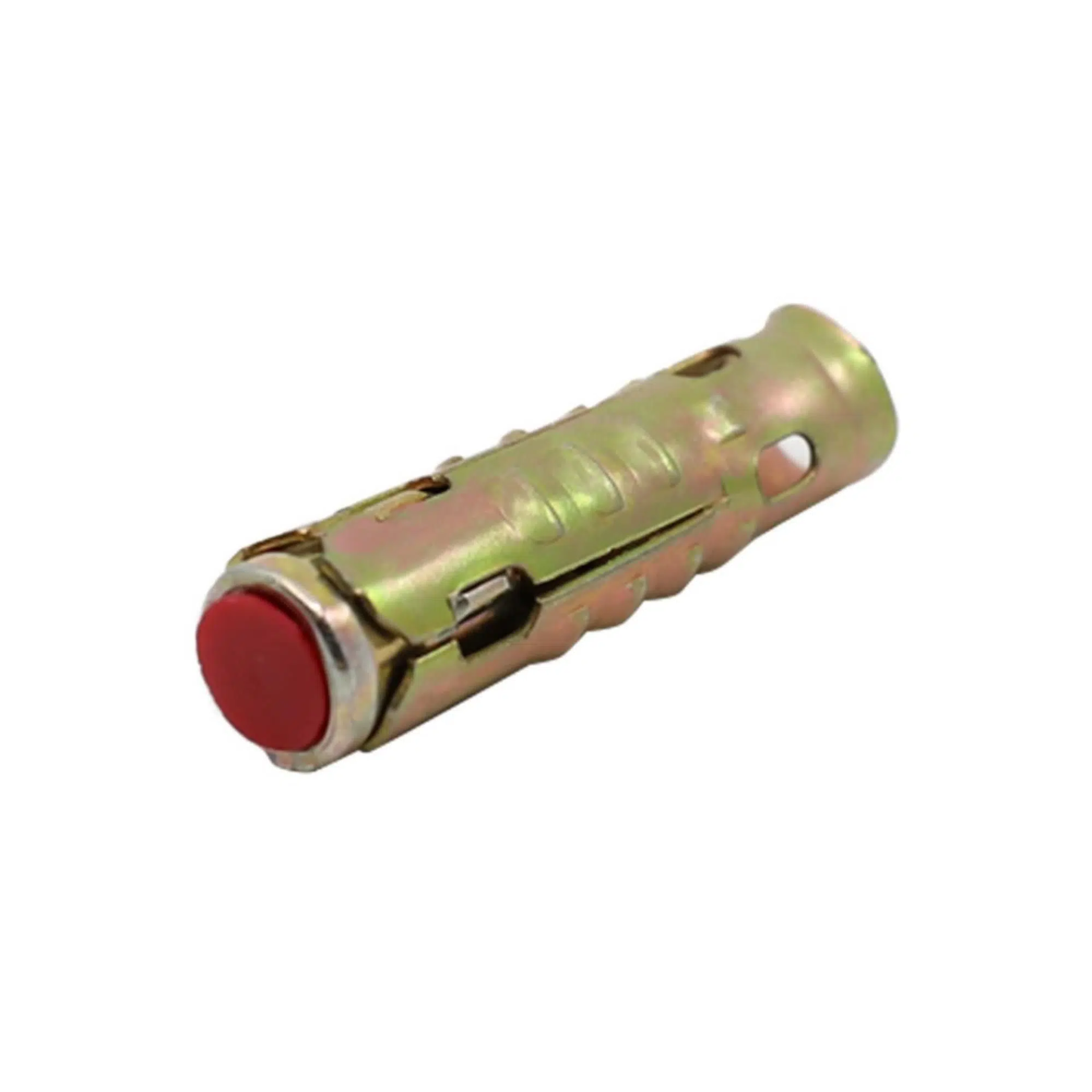
CD-1
CD-1
Standard Anchor M8, ( Electro Galvanized )
Unit: Piece
CD-2
CD-2
Standard Anchor M10, ( Electro Galvanized )
Unit: Piece
CD-3
CD-3
Standard Anchor M12, ( Electro Galvanized )
Unit: Piece
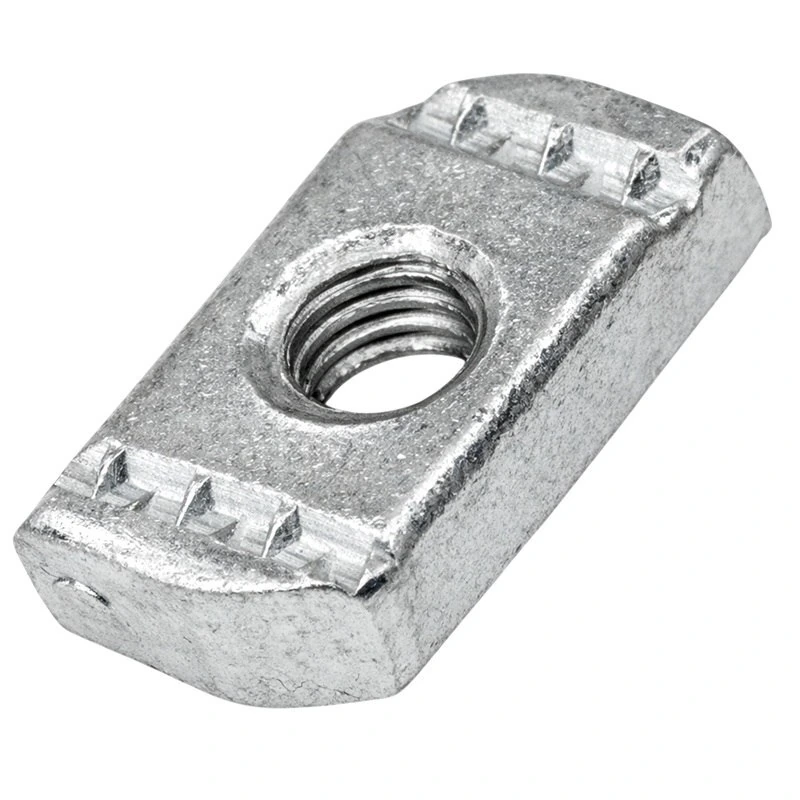
ANS-0-1
ANS-0-1
C-Profile Nut M6, ( Electro Galvanized )
Unit: Piece
ANS-1-1
ANS-1-1
C-Profile Nut M8, ( Electro Galvanized )
Unit: Piece
ANS-3-1
ANS-3-1
C-Profile Nut M10, ( Electro Galvanized )
Unit: Piece
ANS-5-1
ANS-5-1
C-Profile Nut M12, ( Electro Galvanized )
Unit: Piece
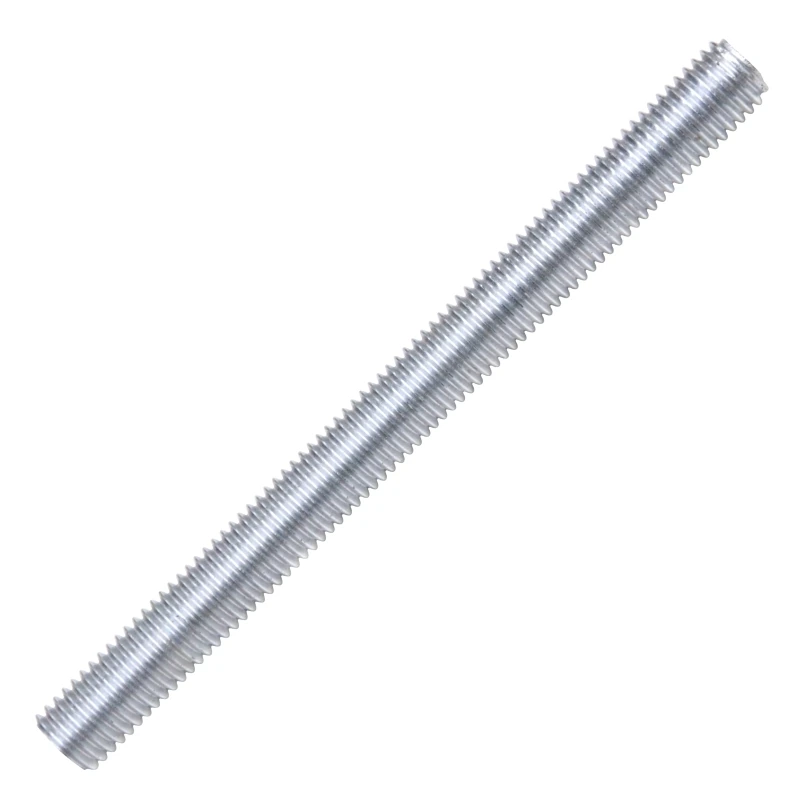
AT
AT
Threaded Rod, M6, L:2000mm ( Electro Galvanized )
Unit: Piece
AT-1
AT-1
Threaded Rod, M8, L:2000mm ( Electro Galvanized )
Unit: Piece
Hardware and Fastener Accessories

Hardware and Fastener Accessories

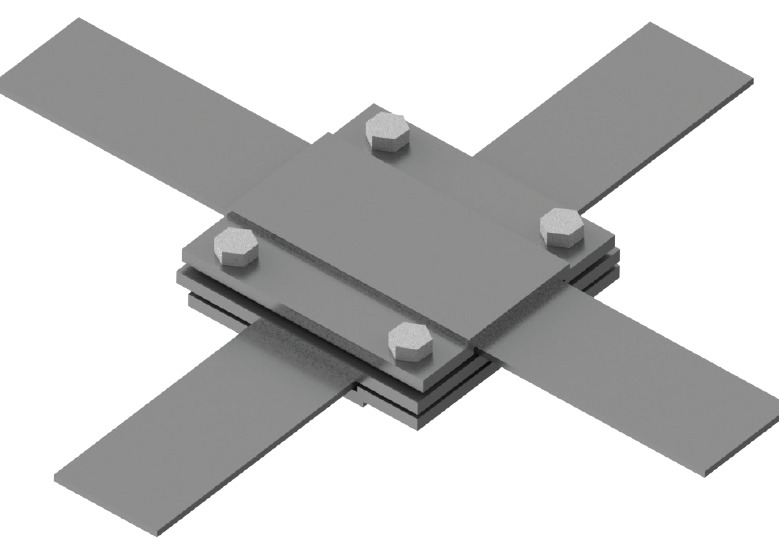
Ardic hardware products support the connection, fastening and completion of coordinated cable management installations. They are accessories rather than primary structural profiles: an I Profile provides structural support, while suitable hardware helps secure interfaces and complete the assembly. Explore the hardware range within Ardic’s broader product portfolio.

Select Hardware for the Project

Choose accessories by reviewing the system layout, intended connection, installation environment, adjacent components and site requirements. Compatibility should be considered across the full assembly, not assumed from a product name alone. Coordinating hardware with trays, ladders, profiles or supporting systems helps the project team prepare a clearer material list and installation plan.

Use Current Product Information

Available products and technical details may be updated. Before specification, purchase or installation, verify accessory type and compatibility against current Ardic catalogues, drawings and product documents. Avoid relying on superseded files or unconfirmed assumptions. For current documentation, availability or project-based selection assistance, contact Ardic. The final choice should reflect the latest published information, approved project design and actual site conditions.
Other categories
Brands
ARDIÇ
ARTAŞ
Juniper
YTS
EMT