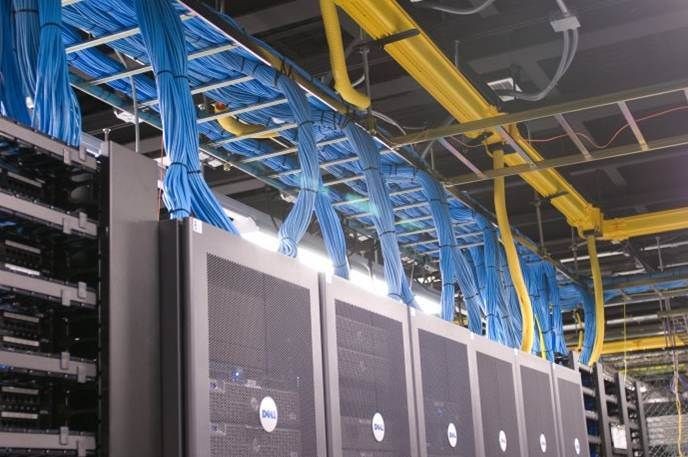



Cable Tray Accessories: Bends, Tees, Reducers, Couplers and Covers
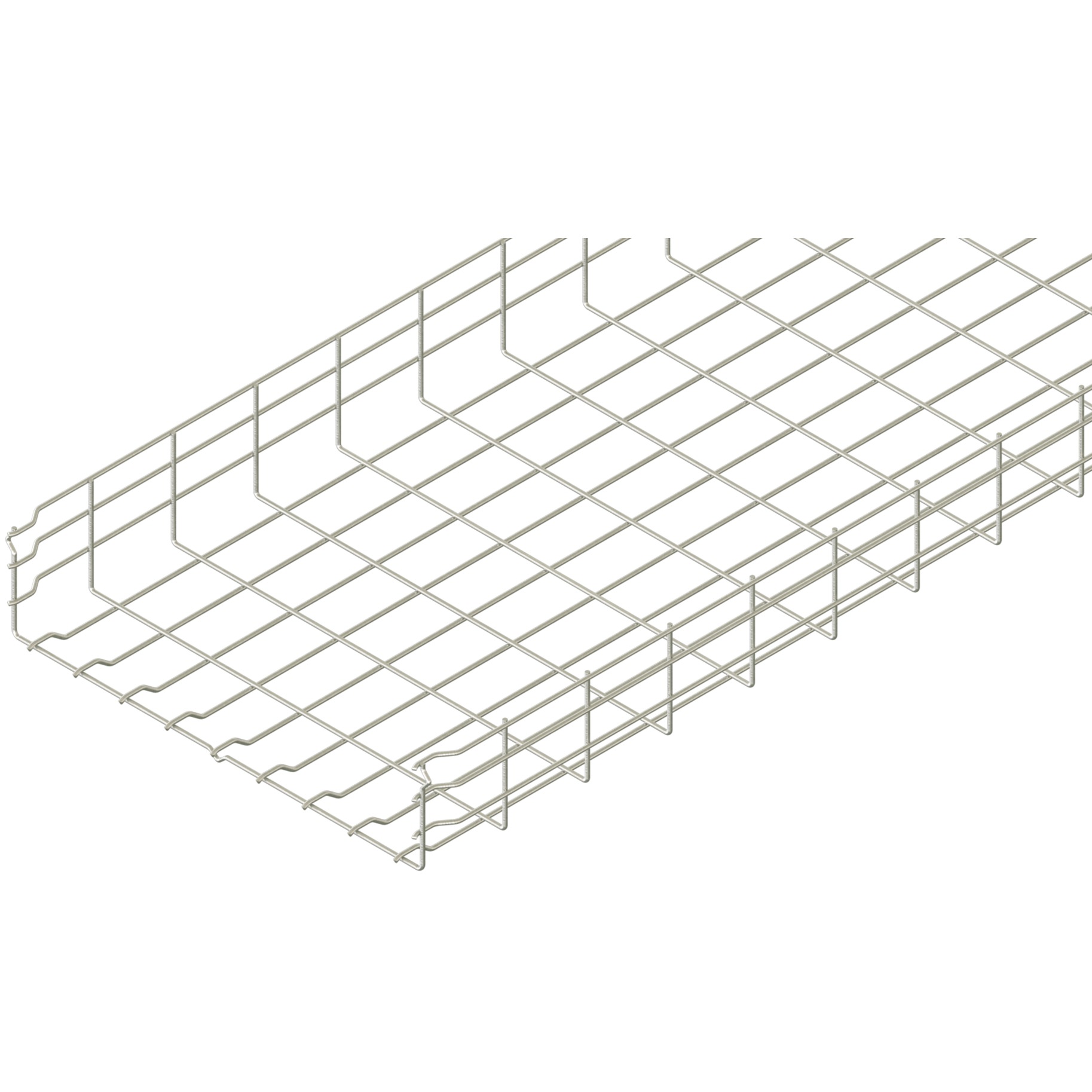
A cable tray route changes character at every turn, branch, joint and transition. Cable tray accessories are therefore not minor add-ons: bends steer a route, tees distribute it, reducers change its width, couplers complete joints, and covers or drop-outs serve distinct retention or protection functions. The selection task is to coordinate those functions with the cable route, project design and the manufacturer’s documented system—not to apply a universal accessory rule.
This guide helps you distinguish the main fitting families, review their interfaces and prepare a traceable submittal. It deliberately avoids universal values for bend radius, support placement, fastener torque, load, fill or cable pulling because those depend on the cable, route, project and documented product configuration.
Table of contents
- Start with the system, not a catalogue label
- Map route geometry with bends, tees and reducers
- Treat couplers and splice plates as documented joints
- Use covers, drop-outs and guards for their specific functions
- Coordinate supports and accessories at transitions
- Keep continuity, bonding and protective earthing separate
- Check material, finish and interface compatibility
- Build an accessory schedule and submittal
- Avoid common coordination failures
- Frequently asked questions
- Conclusion
Start with the system, not a catalogue label
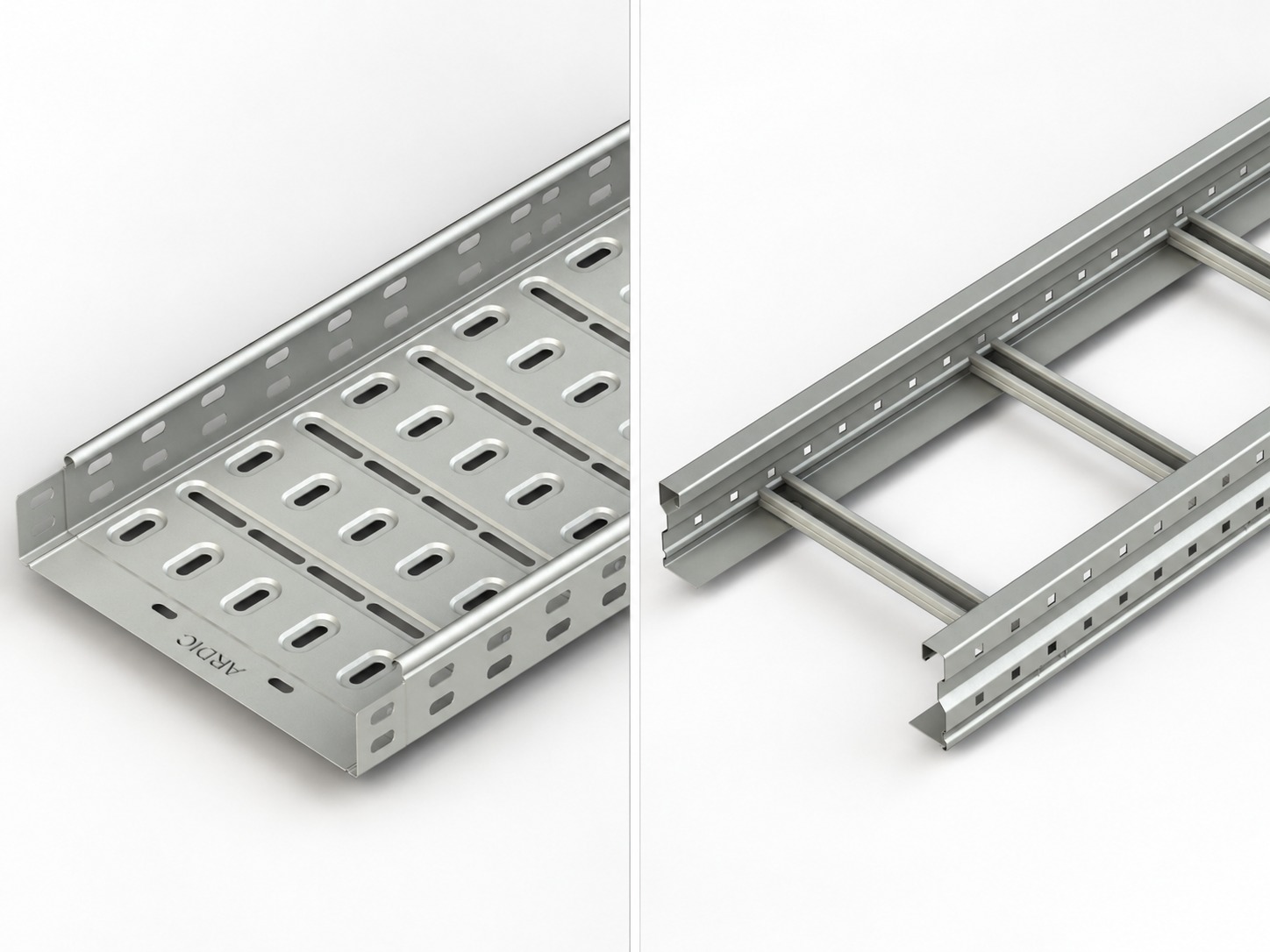
IEC describes IEC 61537:2023 as specifying requirements and tests for cable tray and cable ladder systems intended to support and accommodate cables and, where needed, arrange them into groups.[1] That scope is useful context, but it does not turn an isolated bend, cover or connector into evidence for a completed route. The public IEC summary also distinguishes cable tray and ladder systems from conduit, trunking, ducting and current-carrying parts.[1]
A route should be read as an assembly. Straight sections, fittings, joints, supports, fasteners, cable-entry protection and continuity provisions interact. A tray-body data sheet may not identify the exact tee, joint hardware, cover fixing or support arrangement proposed at a transition.
Use product navigation only as a starting point. The cable tray accessories page and cable ladder accessories page can help a reviewer locate categories, but neither is a technical approval or establishes availability in every size, material or finish.
Map route geometry with bends, tees and reducers
A fitting changes direction, elevation or width. ABB’s technical guide defines a horizontal bend as a fitting that changes direction in the same plane, a horizontal tee as a fitting that joins three directions at right angles in the same plane, and a reducer as a fitting that joins different widths in the same plane.[3] These definitions are useful for route coordination; they are not installation values.
Start with a route sketch that identifies each change in geometry:
- Horizontal bends turn a route within its plane; vertical bends or risers change the route between planes.
- Tees, wyes and crosses create branches. They require clear identification of every outgoing leg and the intended cable grouping.
- Reducers transition between widths. Note whether the transition is centred or offset and which side must remain aligned.
- Drop-outs, bushings or edge-protection parts guide cables at an exit or interface and should be matched to the specific entry condition.
Do not use a drawing symbol alone to decide bend radius or pulling suitability. Cable minimum bend radius, pulling method, cable support through the turn, local clearances and the fitting geometry must be confirmed for the actual cable and project. Keep the cable manufacturer’s requirements and the fitting manufacturer’s instructions in the same review package.
At every branch, ask what continues, what leaves the route and how future access will work.
Treat couplers and splice plates as documented joints
Connectors join straight sections, fittings or both. ABB lists rigid, expansion, adjustable and reducer connectors as basic connector types.[3] A coupler or splice plate may look simple, but its correct use depends on the matching series, joint detail, supplied hardware and documented assembly method.
Review each joint as a mechanical interface. Confirm the tray or ladder reference on both sides, the fitting reference where present, joint orientation, hardware set, tightening instruction and any allowance needed for the documented system. Do not substitute a familiar fastener torque, bolt count or connector pattern. Those details are manufacturer- and configuration-dependent.
Joint location is also a coordination issue. A drawing should show joints relative to supports, fittings, cable entries and access constraints. This is not a universal support-spacing rule; it is a prompt to match the applicable product instructions and project design. The supporting systems page can help identify the relevant product category, while final selection still requires project-specific documentation.
Expansion and movement provisions deserve the same discipline. Thermal movement, structural movement and expansion-joint interfaces are design questions. If a route crosses such an interface, identify the approved fitting or connection arrangement, the project basis and the instructions that govern it. Never infer that an ordinary coupler accommodates movement merely because it joins two pieces.
Use covers, drop-outs and guards for their specific functions
Accessories supplement straight sections and fittings. ABB’s glossary includes drop-outs, covers, conduit adapters, hold-down devices and dividers in that accessory group.[3] Grouping them together is convenient, but their functions are different and should remain separate in the schedule.
A cover may be selected where the project calls for protection, retention or another defined route function. It is not automatically appropriate for every route, and it does not automatically provide a fire, environmental, mechanical or ingress-protection rating. Review the cover profile, fixing method, continuity across fittings, access needs and the manufacturer’s stated compatibility with the proposed tray or ladder series.
A drop-out or cable-entry protection accessory manages the cable’s transition from a route to equipment or another pathway. Check the edge condition, cable type and exit direction. A divider supports a planned physical arrangement, but does not by itself establish electrical segregation.
Where a cover, divider or hold-down is proposed, include it in the route weight and interface review without assigning a generic capacity. The completed configuration—not the name of a component—governs what evidence and instructions apply.
Coordinate supports and accessories at transitions
Fittings concentrate coordination where geometry changes. A bend, tee, reducer or vertical transition can affect how the route meets brackets, trapezes, pendants or other support devices. IEC’s 2023 public summary notes new tests for several mounting orientations and support devices.[1] That is a reason to check the documented configuration, not to generalise a support arrangement.
Prepare a transition review for each non-straight route location:
- identify the fitting and connecting sections by exact reference;
- show supports and their relationship to the fitting on the coordinated drawing;
- identify cable entry and exit paths, including any pull or maintenance access;
- confirm the joint and fastener instructions for the selected series;
- record covers, dividers, drop-outs and other accessories at that location;
- obtain the designer’s decision where the route, structure or cable arrangement differs from standard documentation.
A straight-run document does not by itself prove a completed route containing fittings, joints and supports. Keep route drawings, product documents and evidence together so reviewers can see what the declaration covers.
Keep continuity, bonding and protective earthing separate
Metallic cable tray systems can involve electrical continuity questions, but three related ideas must not be collapsed into one claim. Mechanical joint capacity concerns the physical connection. Bonding or continuity provisions concern the conductive path across system components. Protective-earthing design concerns the electrical installation’s safety design and must be determined under the applicable project and regulatory requirements.
IEC lists revised annexes, including tray use as a protective earth conductor, among the changes in the 2023 edition.[1] This public summary does not establish that a particular route can serve that function. Confirm the exact product-system evidence, installation conditions and project electrical design before making any protective-earthing decision.
UL similarly describes certification and evaluation services for cable trays and notes that metallic cable trays can be evaluated for an electrical ground path.[2] That describes a service context, not an approval for a named product or installation. Do not infer continuity, bonding adequacy or protective-earthing suitability from a metallic finish, a coupler name or a category page.
Check material, finish and interface compatibility
Accessories need the same material and finish review as straight sections. The product documentation should identify the material, coating or finish for the actual fitting, connector, cover and fastener set. A visual match is not enough to demonstrate compatibility, corrosion performance or environmental suitability.
Record tray-to-fitting, fitting-to-cover, connector-to-fastener, support-to-tray and cable-to-edge-protection interfaces. ABB notes that material response can vary across environments and that the designer is responsible for final selection in a specific application.[3]
When a project mixes ranges or replaces a listed part after procurement, treat the change as a submittal issue. Seek documented confirmation rather than assuming parts are functionally equivalent.
Build an accessory schedule and submittal
An accessory schedule converts a route drawing into a reviewable procurement record. Start with the core cable trays category only to orient the product family; then record project-specific references rather than implying any particular item is offered or approved.
For every fitting or accessory, capture:
- drawing location and route function;
- exact product reference, compatible straight-section series and quantity;
- material, finish and fastener or fixing set as documented;
- joint, cover, divider, drop-out and edge-protection requirements;
- support and structural interface shown on coordinated drawings;
- cable-interface considerations, including the cable manufacturer’s limitations where relevant;
- continuity or bonding documentation where applicable, kept separate from structural evidence;
- source document revision, date, exceptions and approval status.
Attach current catalogues, dimensional drawings, assembly instructions, data sheets and any system evidence required by the specification. Mark unresolved questions rather than filling gaps with generic values. This makes procurement changes visible and gives installers a clear record of the approved arrangement.
Avoid common coordination failures
The most persistent mistakes occur when a component label is treated as a conclusion. Avoid these shortcuts:
- assuming a bend radius works for all cable types or pulling plans;
- treating a coupler as proof of structural capacity, continuity or protective earthing;
- specifying a cover without checking its fittings, retention, access and stated limitations;
- copying support locations or torque values from another series or project;
- assuming a reducer preserves cable arrangement without reviewing the offset and branch route;
- accepting a tray-body document as proof for an assembled route;
- treating any mention of a standard as a certification claim for a specific product.
The remedy is simple but disciplined: identify the actual parts, read the current instructions, coordinate the route and retain the documents that support the decision. Where a detail cannot be resolved from approved information, escalate it to the project designer or the responsible manufacturer contact before installation.
Frequently asked questions
Concise answers for reviewing cable tray accessories.
Conclusion
Accessories turn straight cable tray or ladder sections into a usable route, but each one has a bounded job. Bends and risers manage direction, tees create branches, reducers manage width changes, couplers make documented joints, and covers or drop-outs address defined protection or cable-entry needs. Keep route geometry, jointing, support, retention, cable protection and electrical continuity as separate review tracks.
For project-specific selection or documentation support, contact Ardıç Elektrik with route drawings and required submittal documents. A traceable accessory schedule supports a coordinated route.
Sources
[1] IEC 61537:2023 — Cable management, cable tray systems and cable ladder systems